
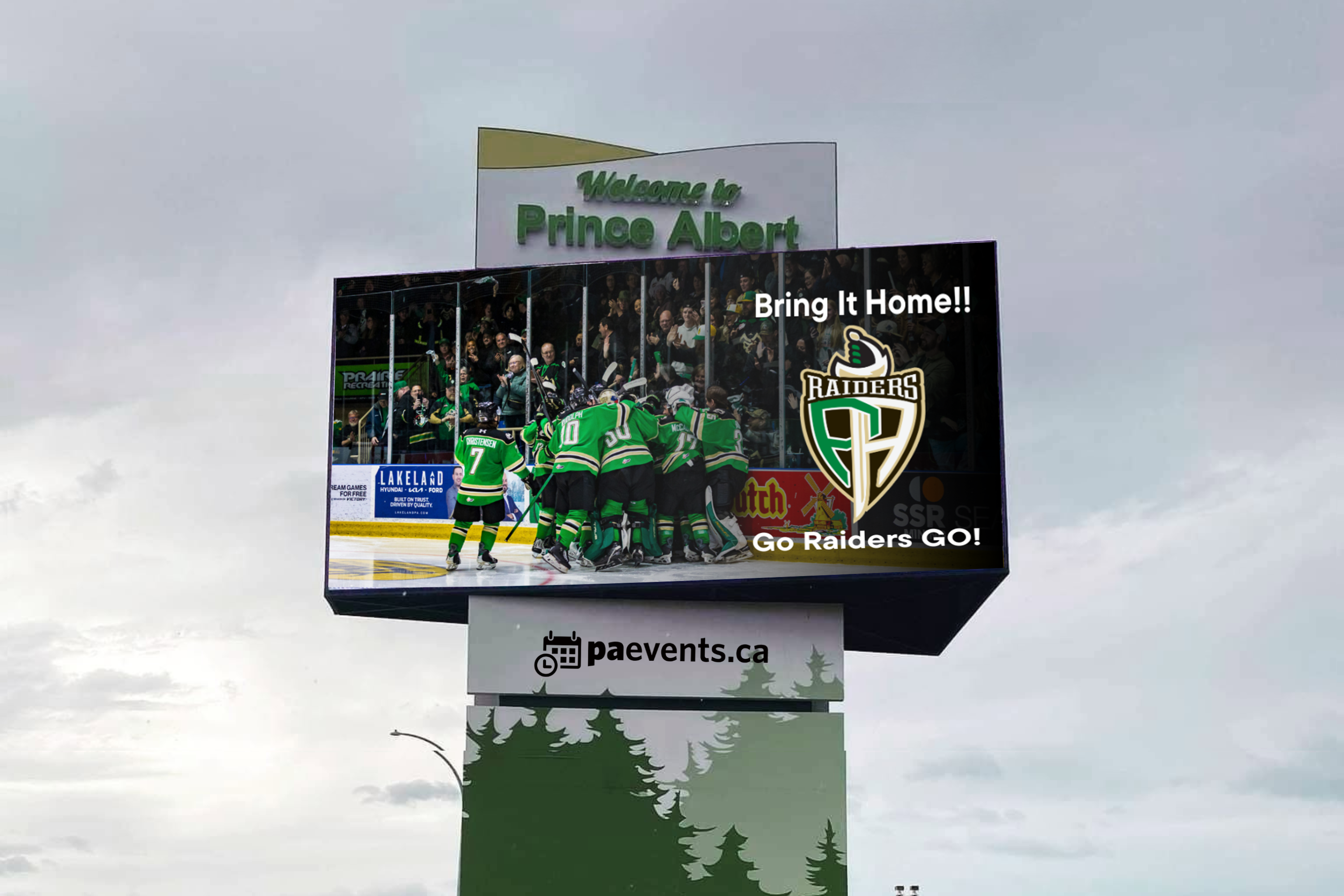
Please read the instructions carefully before submitting your request.
Taking a few moments to review the information provided will help ensure your request is completed correctly and avoid delays or follow-up. Please make sure all the items below are checked:
To ensure your billboard submission is approved, please follow these requirements:
1. Paevents.ca Calendar Approval
Before submitting this request:
- Your event must already be submitted and approved on the events calendar: www.paevents.ca.
- Billboard requests will only be considered for events that have been approved for the events calendar.
2. File Requirements
- File size: 900 px by 450 px
- File format: PNG only (this is the only format accepted by the billboard scheduling software)
- File name format: Date-of-event_Name-of-event. Example: 11May2024_CommunityCleanup.png
3. Design Requirements
- Submit a high-quality visual (preferably professionally designed).
- Use a simple, easy-to-read design that can be understood by people driving by.
- Do not use:
- Script or Calligraphy fonts
- Diagonal text
- Serif fonts
4. Billboard Graphic Content
Your graphic/visual should include only:
- Event title
- Event dates
- Event times
- Event location
Do not include (all this information on your paevents.ca event):
- Website links
- Facebook links
- Phone numbers
- Admission information
5. Sponsor Logos
- Sponsor logos may be included but must be small and should not overpower the event information.
6. PAEVENTS.ca Logo Requirement
For event submissions:
- The PAEVENTS.ca logo must be clearly displayed and take up 20% of the design.
- It must be larger than any sponsor logos.
- It should not be cut off, reduced to a small size, or placed only in a corner.
- The PAEVENTS.ca website is where residents will find full event details.
7. Advertising Guidelines
- Billboard visuals will run two weeks before the event.
- Advertising space is subject to availability and the number of submissions received.
- Advertisements for for-profit organizations are not accepted.
- The City of Prince Albert reserves the right to edit, deny, or remove submissions.
You can download the paevents.ca logo package here.

Submit your visual at least a month before your event. Short-notice requests might be waitlisted.


